Power / Batteries Chargers
User Manual for Scosche 142PI100CL 100W Mobile Power Inverter
Quick guide for the Scosche 142PI100CL 100W Mobile Power Inverter, covering installation, LED status indicators, safety precautions, and troubleshooting power protection modes.
Table of contents
Manual images
Jump to the sectionQuick guide from the manual
The Scosche 142PI100CL is a 100W mobile power inverter designed for use with 12V power outlets. It converts 12V DC power into 110V AC power and includes a 5V USB port. Important: This device is for use with 12-volt power outlets only and is not intended for use with cigarette lighter sockets.
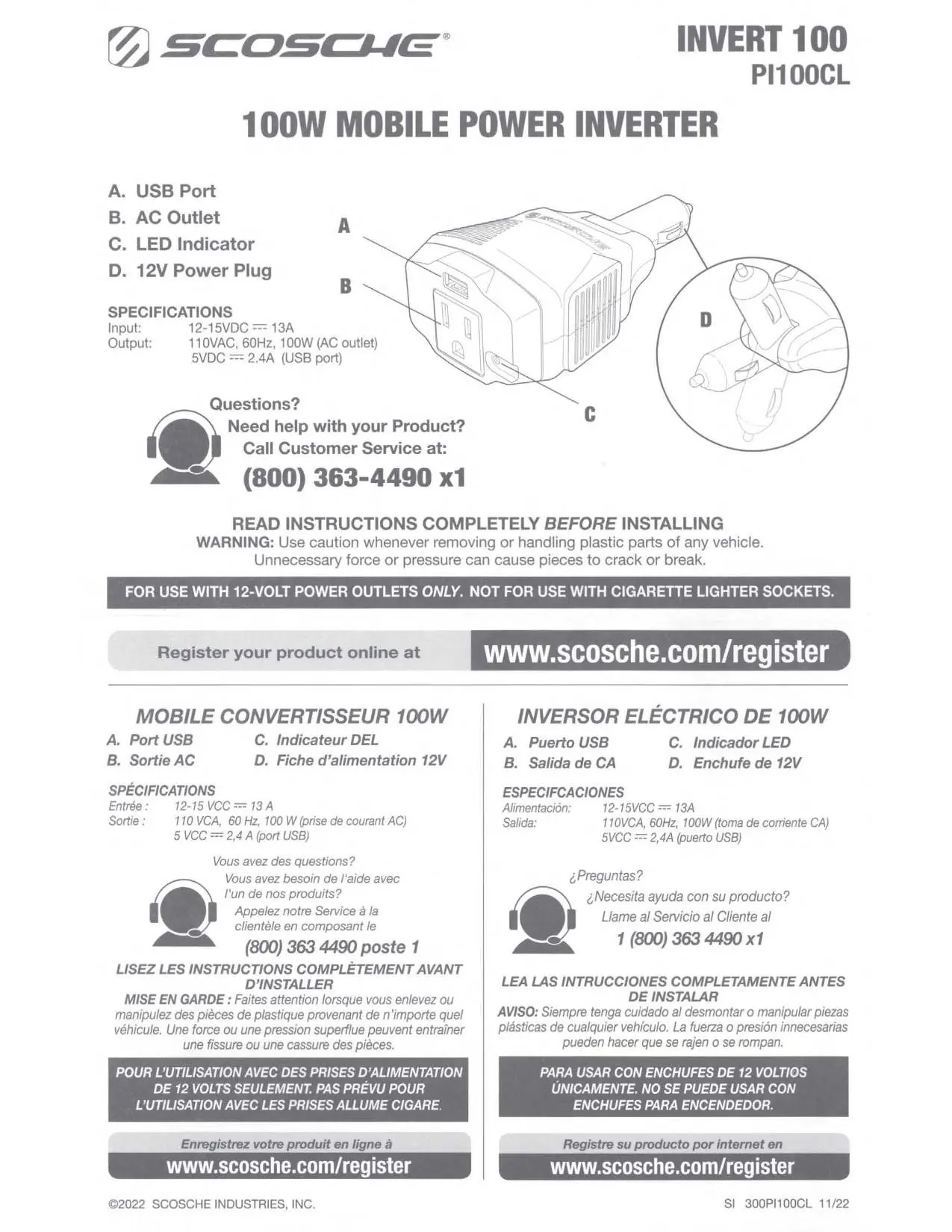
Installation and Operation
Before installing, ensure your vehicle's 12V socket is in good working condition. Plug the 12VDC power plug into the socket to turn on the unit. The LED indicator will illuminate green to confirm the device is powered on.
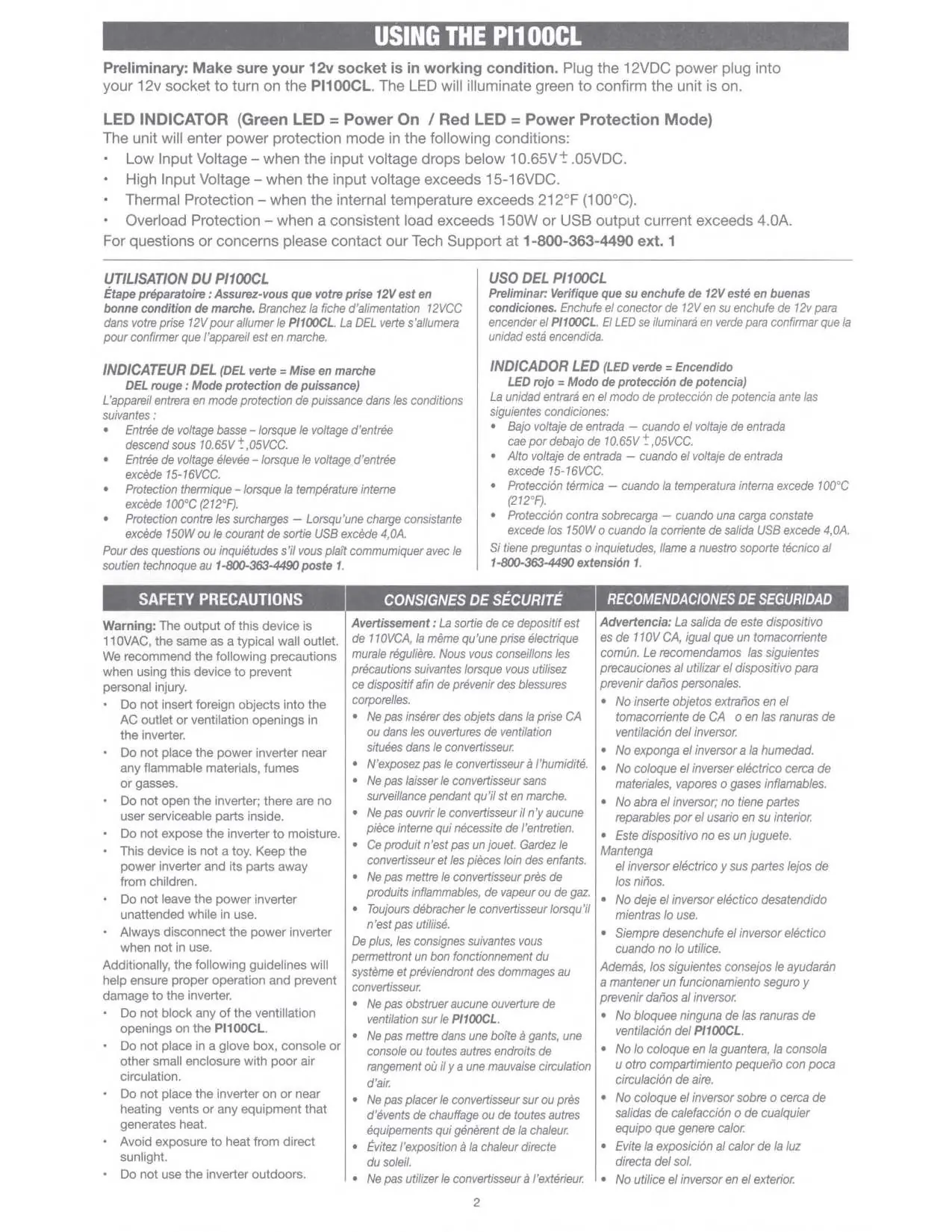
LED Indicator Status
- Green LED: Power On.
- Red LED: Power Protection Mode.
The unit enters protection mode under the following conditions:
- Low Input Voltage: Input drops below 10.65V ± .05VDC.
- High Input Voltage: Input exceeds 15-16VDC.
- Thermal Protection: Internal temperature exceeds 212°F (100°C).
- Overload Protection: Consistent load exceeds 150W or USB output current exceeds 4.0A.
Safety Precautions
To prevent personal injury and damage to the device, follow these guidelines:
- Do not insert foreign objects into the AC outlet or ventilation openings.
- Keep the device away from flammable materials, fumes, or gases.
- Do not open the inverter; there are no user-serviceable parts inside.
- Do not expose the device to moisture or use it outdoors.
- Ensure proper ventilation; do not block openings or place the unit in small, enclosed spaces like glove boxes.
- Avoid placing the unit near heating vents or in direct sunlight.
- Always disconnect the inverter when not in use.
Technical Specifications
- Input: 12-15VDC, 13A
- Output (AC): 110VAC, 60Hz, 100W
- Output (USB): 5VDC, 2.4A
Support
For questions or technical support, contact Scosche Customer Service at 800-363-4490 ext. 1.
Manufacturer information
Scosche Industries, Inc.
Practical help
Common problems
LED turns red (Power Protection Mode)
Check if input voltage is too low/high, if the unit is overheated, or if the load exceeds 150W/4.0A.
Unit does not turn on
Verify the 12V socket is functional and the power plug is securely inserted.
Before use
- Ensure the 12V socket is in working condition.
- Verify the device is not being used in a cigarette lighter socket.
- Check that the area is well-ventilated and free of flammable materials.
- Confirm the load does not exceed 100W continuous power.
Specs in practice
- Input Voltage
- 12-15VDC; the range required for the inverter to operate safely.
- Output Power
- 100W; the maximum continuous power capacity for the AC outlet.
Images and diagrams
- A: USB Port for charging devices.
- B: AC Outlet for 110V appliances.
- C: LED Indicator showing operational status.
- D: 12V Power Plug for connection to the vehicle socket.
Model compatibility
- Compatible only with 12V power outlets.
- Not compatible with cigarette lighter sockets.
- Not for outdoor use.

Manual page author
David Miller
Documentation analyst
Organizes user manual content into clear summaries, with attention to model details, product context, and everyday usability.