Power / Batteries Chargers
User Guide for Scosche 142RHY20GR Rhythm+ 2.0 Heart Rate Monitor
Quick start guide for the Scosche Rhythm+ 2.0 waterproof armband heart rate monitor. Includes instructions for power control, LED status indicators, initial Bluetooth and ANT+ setup, and recommended placement.
Table of contents
Manual images
Jump to the sectionQuick guide from the manual
This document provides essential instructions for the Scosche Rhythm+ 2.0 waterproof armband heart rate monitor. It covers basic operation, device pairing, and proper placement for accurate heart rate tracking.
Power On/Off
The device is controlled using the Multi-Function Button (MFB):
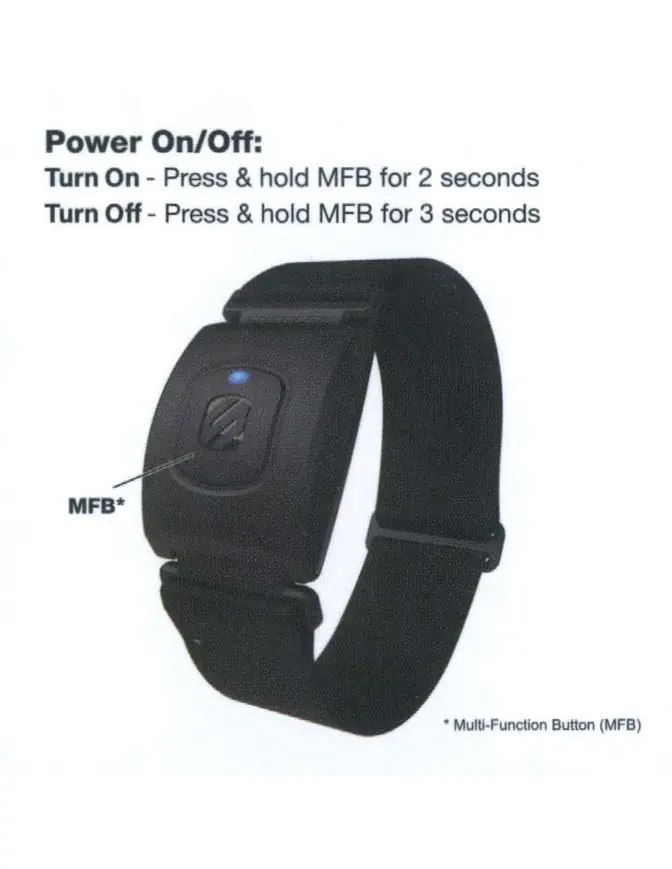
- Turn On: Press and hold the MFB for 2 seconds.
- Turn Off: Press and hold the MFB for 3 seconds.
LED Status Indicators
The LED indicator provides feedback on the device's current state:
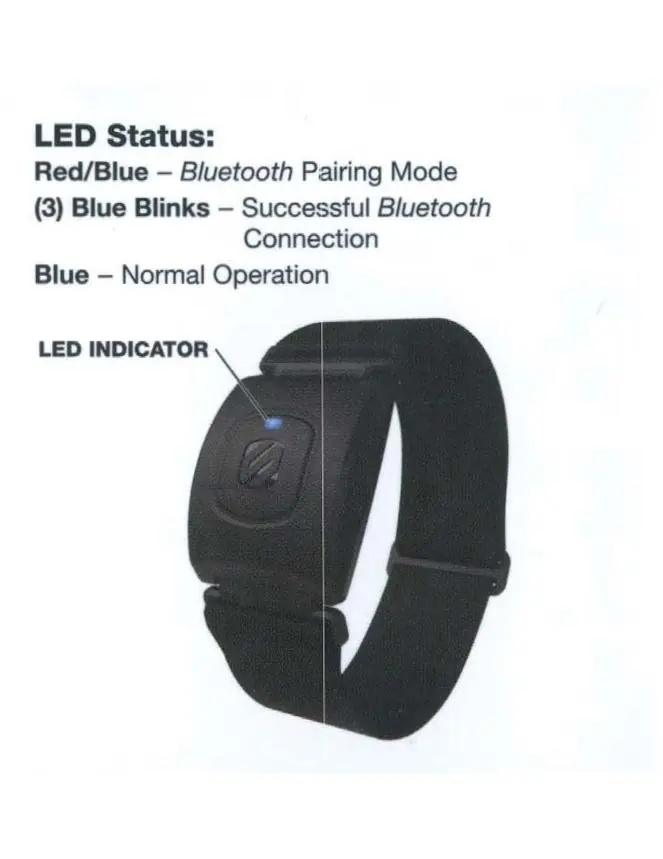
- Red/Blue: Bluetooth Pairing Mode.
- (3) Blue Blinks: Successful Bluetooth connection.
- Blue: Normal operation.
Initial Setup
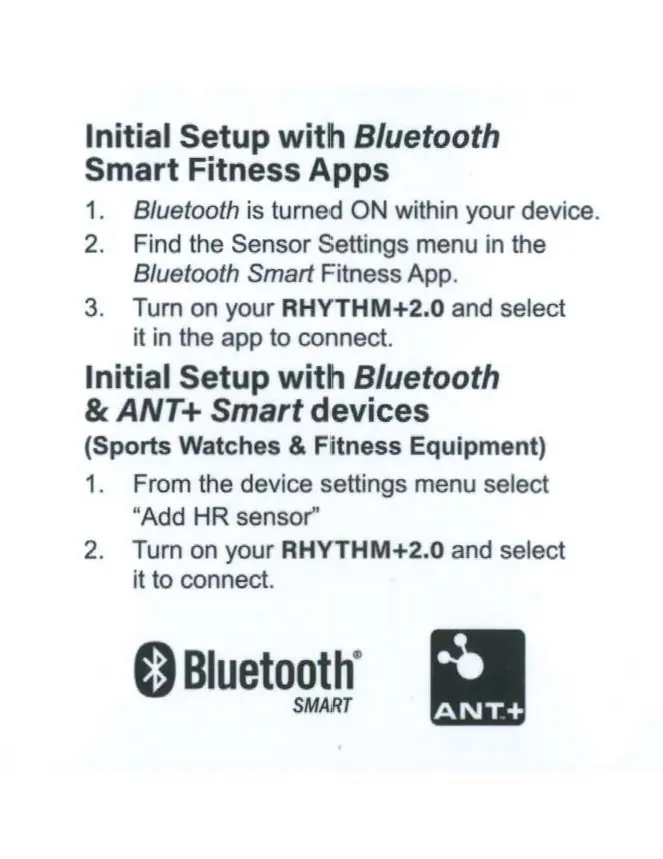

Bluetooth Smart Fitness Apps
- Ensure Bluetooth is turned ON on your smartphone or device.
- Open your chosen Bluetooth Smart Fitness App and navigate to the Sensor Settings menu.
- Turn on your RHYTHM+2.0 and select it within the app to complete the connection.
Bluetooth & ANT+ Smart Devices
Compatible with sports watches and fitness equipment:
- From the device settings menu on your watch or equipment, select Add HR sensor.
- Turn on your RHYTHM+2.0 and select it to connect.
Armband Placement
For optimal performance, the armband can be worn in the following locations:
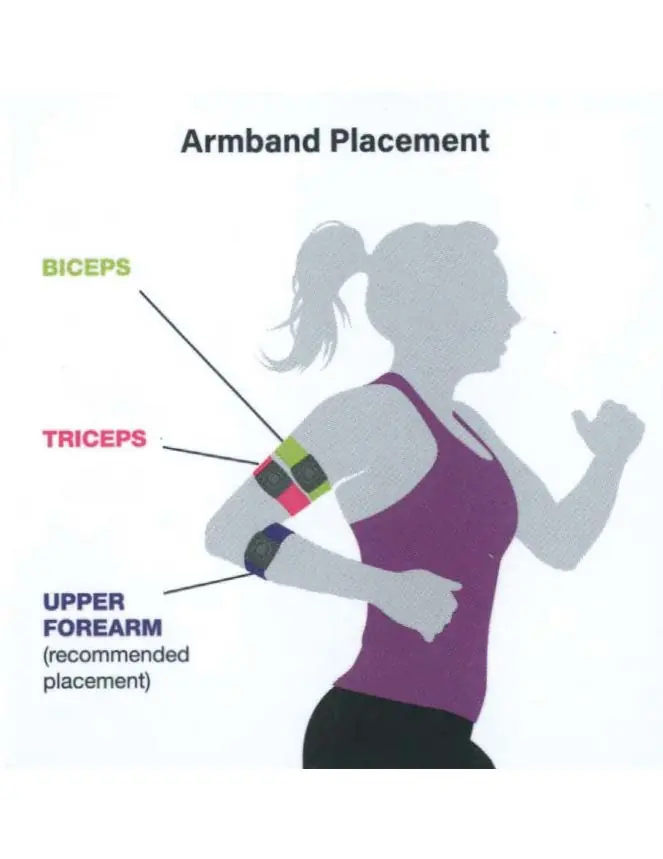
- Biceps
- Triceps
- Upper Forearm (Recommended placement)
Manufacturer information
Scosche Industries, Inc.
Practical help
Common problems
Device not connecting to app or device
Ensure Bluetooth is enabled on your phone/device and that the RHYTHM+2.0 is powered on. Check that you are selecting the sensor within the specific app or device settings menu.
Before use
- Ensure the device is charged.
- Verify Bluetooth is enabled on your smartphone or fitness device.
- Identify the Multi-Function Button (MFB) on the sensor.
- Choose the preferred placement (Upper Forearm is recommended).
Specs in practice
- Bluetooth Smart
- Wireless protocol for connecting to fitness apps on smartphones.
Images and diagrams
- The MFB is located on the front face of the sensor unit.
- The LED indicator is located directly above the MFB.
- Placement diagram shows the sensor worn on the upper arm or forearm.
Model compatibility
- Compatible with Bluetooth Smart Fitness Apps.
- Compatible with ANT+ enabled sports watches and fitness equipment.

Manual page author
Michael Turner
Technical manual editor
Reviews PDF manuals for structure, safety notes, and practical product details so readers can find the right information quickly.