Power / Power Inverters
User Manual for Scosche INVERT 200 Mobile Power Inverter
Quick guide for the Scosche INVERT 200 (PI200PS) mobile power inverter. Learn how to install, operate, and understand LED protection modes.
Quick answers from the manual
Quick answer
- The Scosche INVERT 200 is a 200W mobile power inverter that converts 12V DC power to 110V AC. It features three AC outlets and four USB ports. p. 2
Key actions
- Plug the 12VDC power cable into your 12V socket and use the power switch to turn on the unit. p. 2
First start
- Ensure the 12V socket is working, plug in the power cable, and toggle the power switch. p. 2
Problems and fixes
Unit enters power protection mode
The unit will automatically reset once conditions (voltage, temperature, load) return to normal.
p. 2Maintenance and reset
- The unit resets automatically when conditions return to normal. p. 2
Technical specifications
| Parameter | Value | Meaning | Pages |
|---|---|---|---|
| Input | 12-15VDC 25A | Operating voltage range | p. 2 |
| AC Output | 110VAC, 60Hz, 200W | Power output capacity | p. 2 |
Where to find it in the PDF
- Product Overview and Usage p. 2
- Safety Precautions p. 3
Table of contents
Manual images
Click an image to enlargeQuick guide from the manual
The Scosche INVERT 200 is designed to convert 12V DC power from a vehicle's power outlet into 110V AC power. Important: This device is for use with 12V power outlets only and is not for use with cigarette lighter sockets. Ensure your vehicle's 12V socket is in working condition before installation.
Product Overview
The device features the following components:
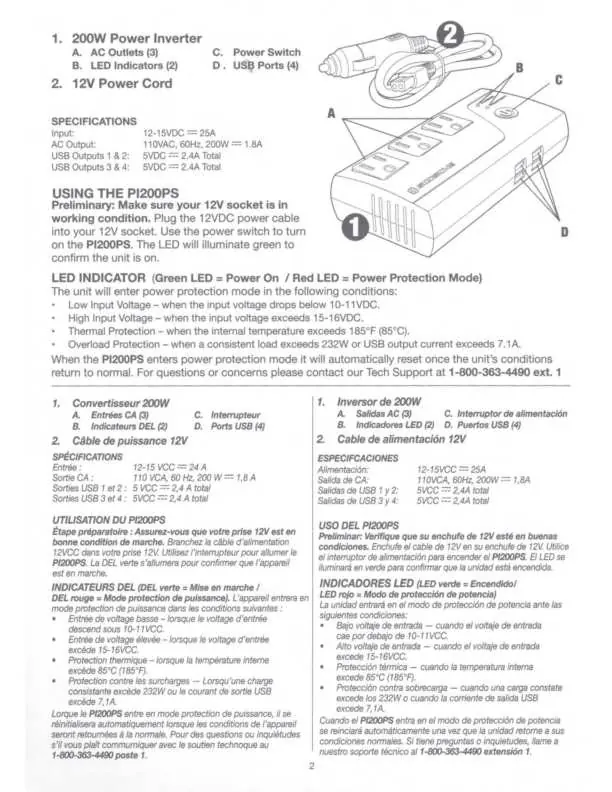
- AC Outlets (3): For powering AC devices.
- LED Indicators (2): Displays power status and protection mode.
- Power Switch: Used to turn the unit on and off.
- USB Ports (4): For charging USB devices.
Installation and Usage
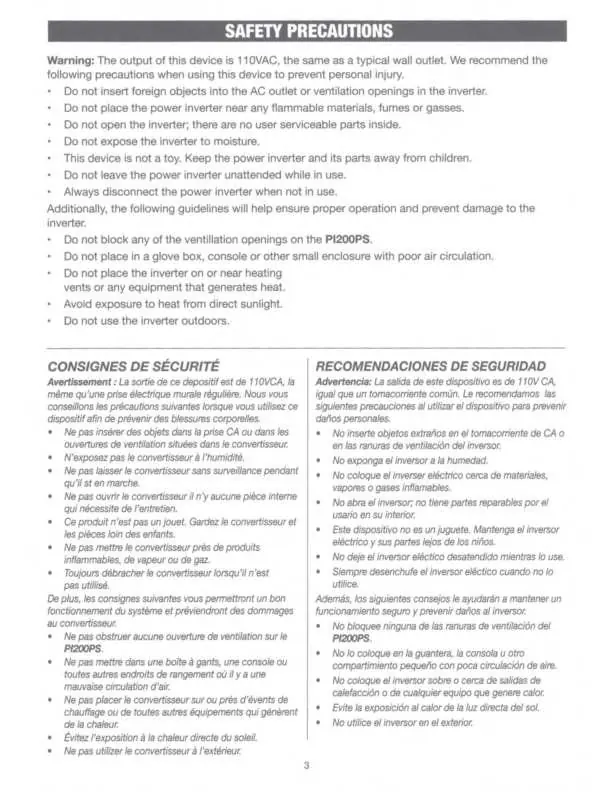
- Ensure your vehicle's 12V socket is in working condition.
- Plug the 12VDC power cable into the 12V socket.
- Use the power switch to turn on the PI200PS.
- The LED will illuminate green to confirm the unit is on.
LED Indicator and Protection Modes
The LED indicator provides status updates:
- Green LED: Power On.
- Red LED: Power Protection Mode.
The unit will enter power protection mode automatically under the following conditions:
- Low Input Voltage: Input voltage drops below 10-11 VDC.
- High Input Voltage: Input voltage exceeds 15-16 VDC.
- Thermal Protection: Internal temperature exceeds 185°F (85°C).
- Overload Protection: Consistent load exceeds 232W or USB output current exceeds 7.1A.
The unit will automatically reset once conditions return to normal.
Safety Precautions
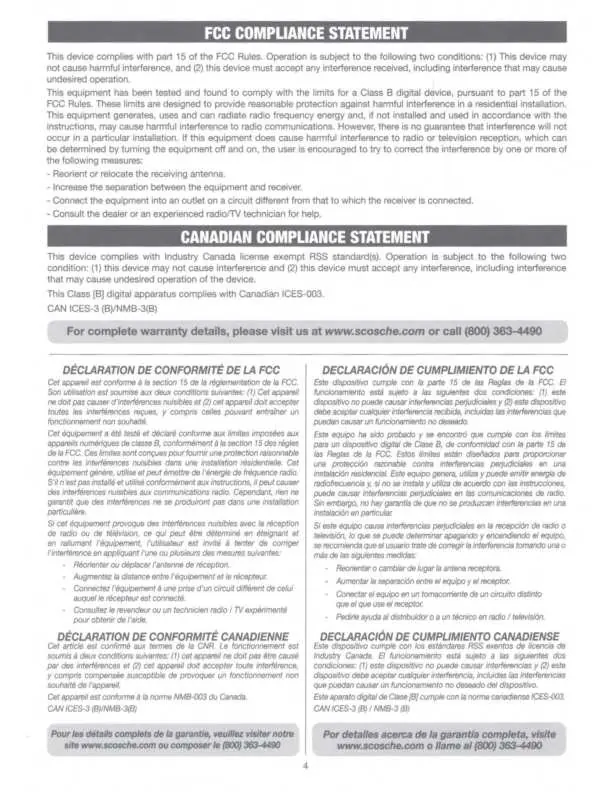
- Do not insert foreign objects into the AC outlet or ventilation openings.
- Do not place the inverter near flammable materials, fumes, or gases.
- Do not open the inverter; there are no user-serviceable parts inside.
- Do not expose the inverter to moisture.
- Keep the device away from children; it is not a toy.
- Do not leave the inverter unattended while in use.
- Always disconnect the inverter when not in use.
- Do not block ventilation openings or place the unit in small, poorly ventilated enclosures like glove boxes.
- Do not place the unit on or near heating vents or in direct sunlight.
- Do not use the inverter outdoors.
Technical Specifications
- Input: 12-15VDC, 25A
- AC Output: 110VAC, 60Hz, 200W (1.8A)
- USB Outputs 1 & 2: 5VDC, 2.4A total
- USB Outputs 3 & 4: 5VDC, 2.4A total
Manufacturer information
Scosche Industries, Inc.
Practical help
Common problems
Unit enters power protection mode (Red LED)
Check if input voltage is within 10-16VDC, ensure internal temperature is below 85°C, and verify that the load does not exceed 232W or 7.1A for USB.
Device does not turn on
Verify the 12V socket is functional and the power switch is in the ON position.
Before use
- Ensure the 12V socket is in working condition
- Verify the 12V socket is not a cigarette lighter socket
- Check that ventilation openings are not blocked
- Ensure the device is not placed in a small, enclosed space
- Confirm the load does not exceed 200W
Images and diagrams
- The diagram identifies the AC outlets, LED indicators, power switch, and USB ports on the unit.
Model compatibility
- For use with 12-volt power outlets only.
- Not for use with cigarette lighter sockets.

Manual page author
Emily Carter
User documentation editor
Prepares concise manual descriptions and highlights the most useful setup, operation, and maintenance information for readers.