Furniture / TV Stands
User Manual for Belleze 014-HG-41027-WL TV Stand
Quick guide for the Belleze 014-HG-41027-WL TV Stand. Includes assembly instructions, safety warnings, weight limits, and maintenance tips.
Table of contents
Manual images
Click an image to enlargeQuick Guide and Safety Information
This manual provides instructions for assembling the Belleze 014-HG-41027-WL TV Stand. Important: This furniture requires two people for assembly. To prevent serious or fatal crushing injuries, the unit must be permanently affixed to the wall using the provided anti-tipping devices. Do not climb on, step on, or place overweighted objects on the product.
Assembly Preparation
Before beginning, ensure you have an empty, clean area (carpet or rug recommended) to prevent scratches. Verify all components against the package contents list. Do not discard packaging until assembly is complete. Estimated assembly time is 100 minutes.

Tools Needed:
- Philips Screwdriver
- Rubber Mallet Hammer
- Electric Drill
Assembly Steps
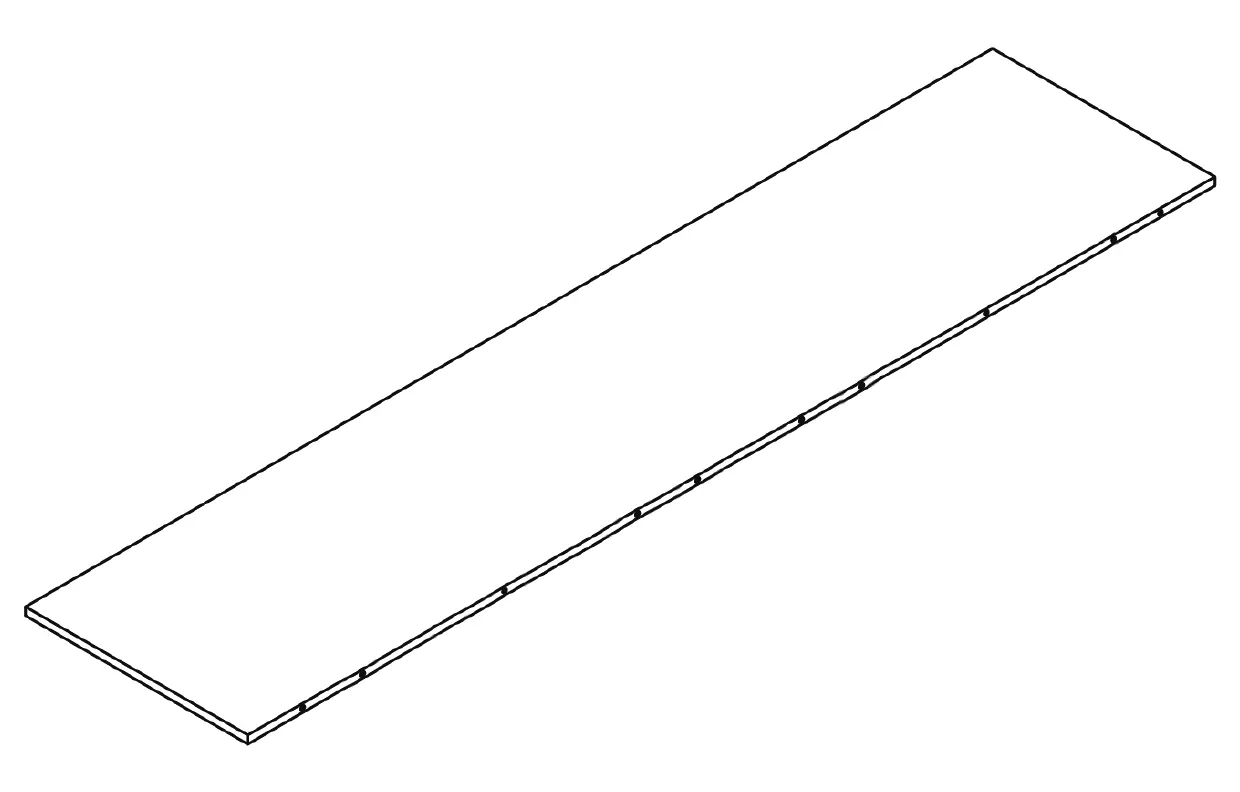
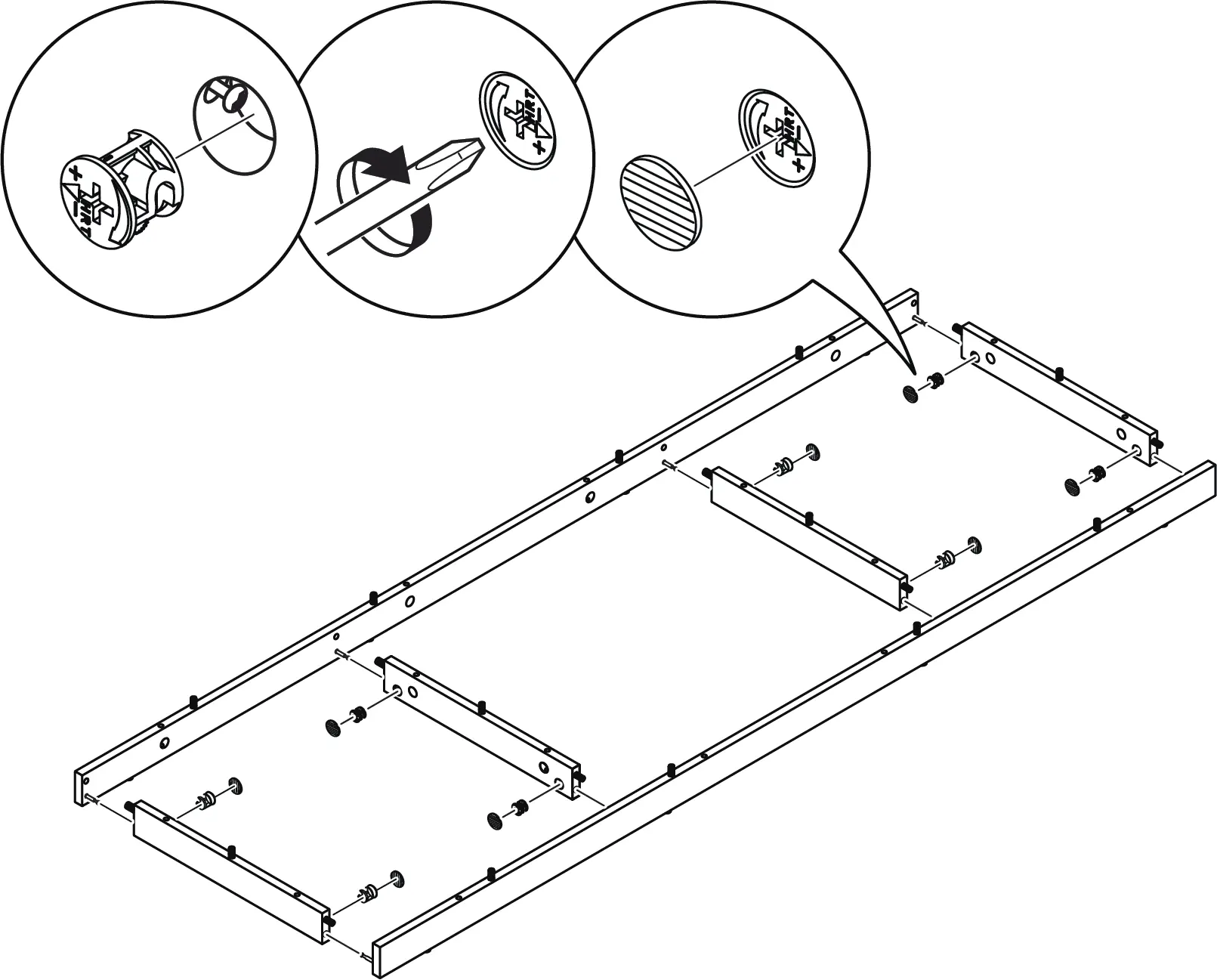
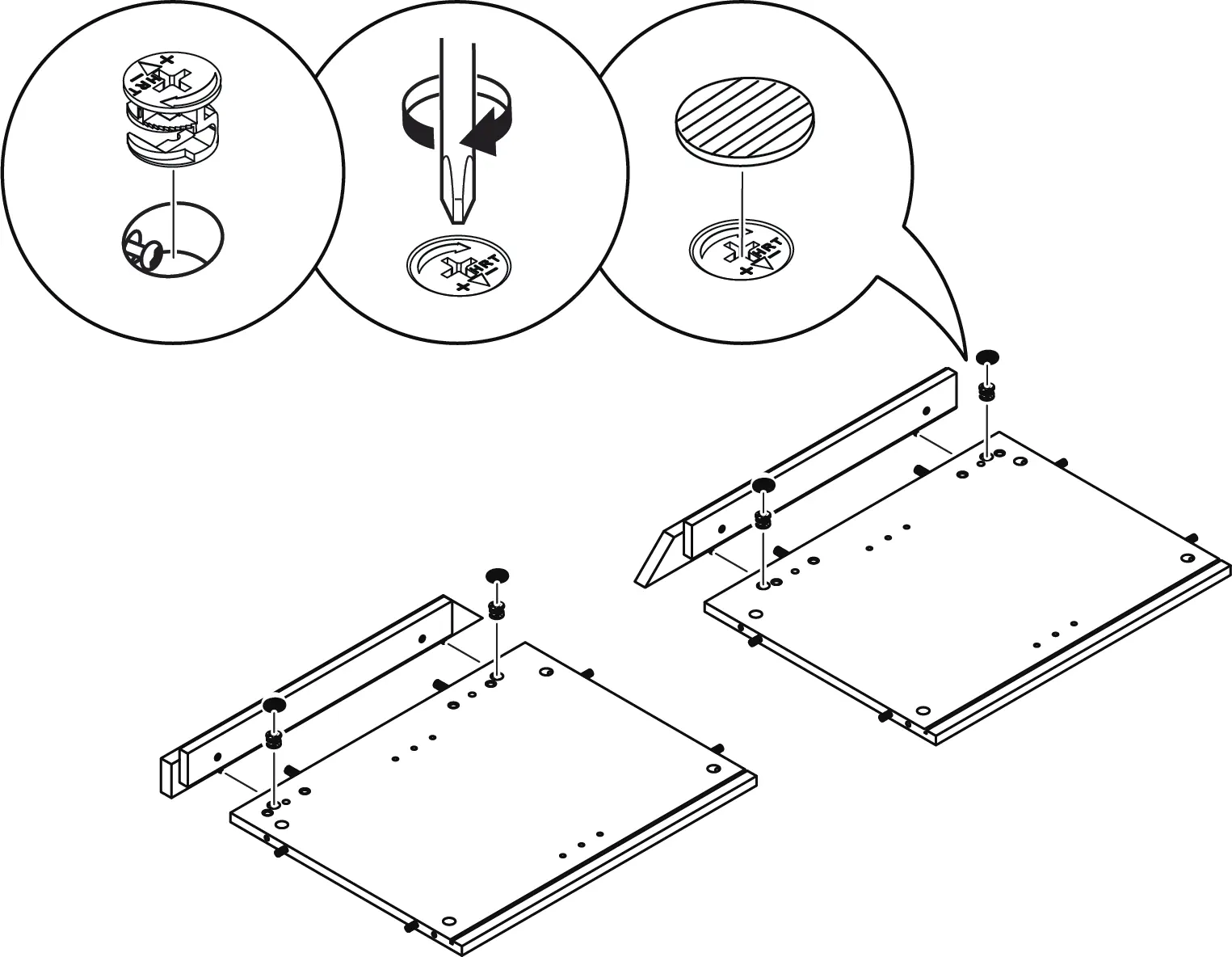
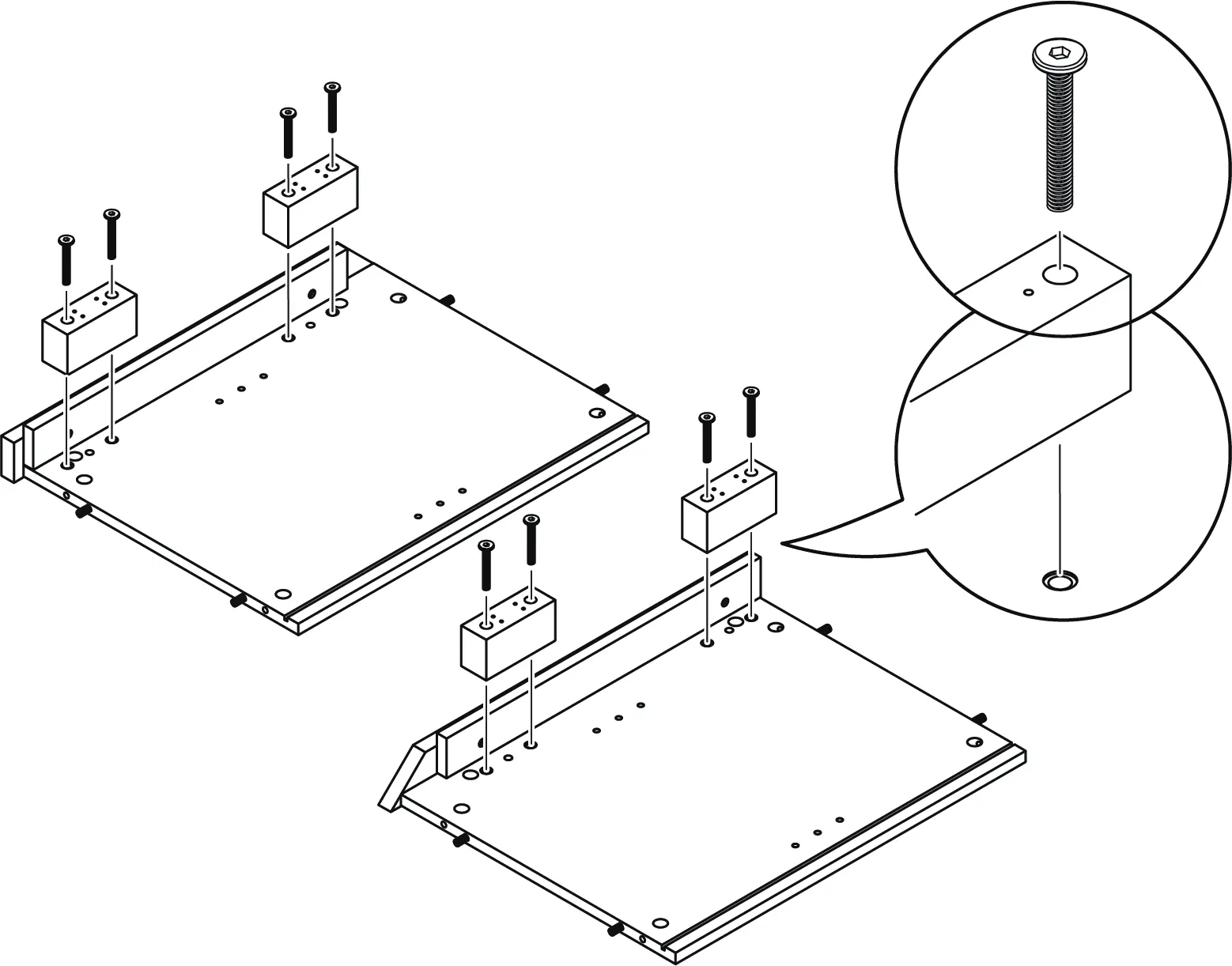
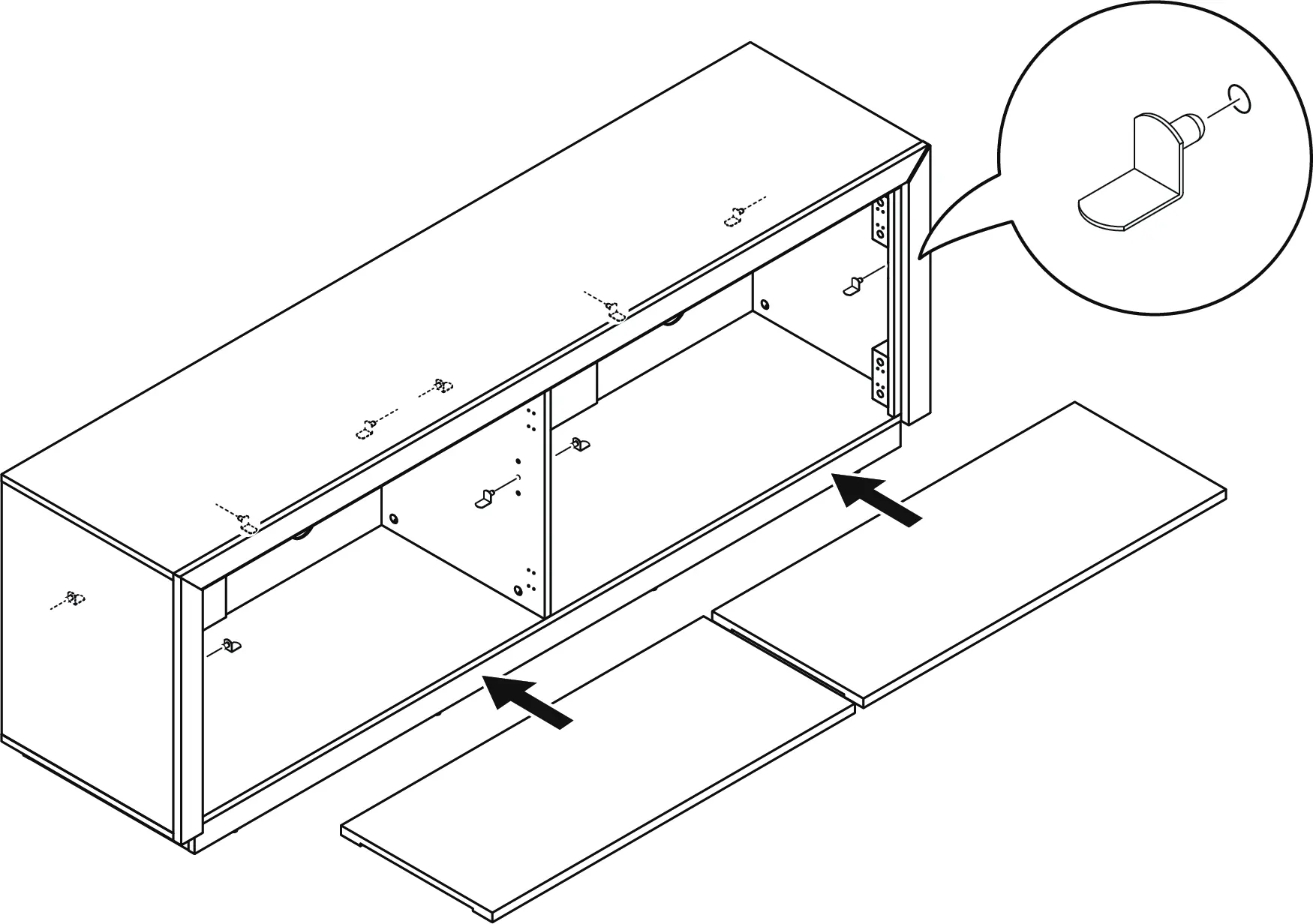
The assembly process involves 23 steps, utilizing cam locks, wooden dowels, and screws. Follow the sequential order indicated in the diagrams. Key assembly symbols include:
- x2: Build the specified number of parts.
- Flip/Rotate: Adjust part orientation as indicated.
- 80%: Leave bolts or screws partially tightened until the final assembly.
- Tighten: Fully tighten bolts or screws once the structure is aligned.
- Level: Ensure the furniture is level on the ground.
Door Adjustment
If there are gaps or height differences between the cabinet doors, adjust the hinges:
- Up and Down: Loosen the screws on the mounting plate.
- Side to Side: Adjust the screw on the hinge arm.
- In and Out: Loosen the screws on the hinge arm to adjust the door depth.
Care and Maintenance
To ensure longevity:
- Tighten all bolts and screws again within the first 2 weeks of assembly.
- Check the tightness of all bolts every 2 months and re-tighten if necessary.
- Clean surfaces with a lightly dampened cloth and mild soap.
- Warning: Do not use bleach or alcohol-based cleaners. Do not apply wood treatment to MDF parts, as they may swell if exposed to water.
Specifications and Warnings
This product is designed for flat panel TVs only. The recommended maximum TV width is 75 inches. Do not exceed the weight capacity: 80 lbs for the top panel and 20 lbs for the storage shelves.
Manufacturer information
Belleze Furniture
Practical help
Common problems
Furniture tipping over
The unit must be permanently affixed to the wall using the provided anti-tipping straps and hardware.
Door alignment issues
Adjust the hinges using the three adjustment points: mounting plate (up/down), hinge screw (side-to-side), and hinge arm (in/out).
Missing parts
Do not assemble the unit if parts are missing. Contact customer service for replacements.
Before use
- Ensure 2 people are available for assembly.
- Clear a workspace on a carpet or rug.
- Verify all parts against the package contents list.
- Prepare a Philips screwdriver, rubber mallet, and electric drill.
- Confirm the TV weight is 80 lbs or less.
- Ensure the TV width is 75 inches or less.
Specs in practice
- Maximum Load (Top)
- 80 lb (36.3 kg)
- Maximum Load (Shelf)
- 20 lb
- Estimated Assembly Time
- 100 minutes
Images and diagrams
- Assembly Symbols: Icons indicate whether to flip, rotate, or tighten parts.
- Hinge Adjustment: Three distinct screw locations allow for 3D door alignment.
Model compatibility
- Designed for flat panel TVs only.
- Requires wall anchoring for safety.

Manual page author
Michael Turner
Technical manual editor
Reviews PDF manuals for structure, safety notes, and practical product details so readers can find the right information quickly.