Electronics / Networking
User Manual for Conceptronic FEP-1612W380 16-Port PoE Switch
Quick guide for the Conceptronic FEP-1612W380 16-Port Fast Ethernet PoE Switch. Learn about installation, technical specifications, and network setup for this 380W PoE device.
Table of contents
Manual images
Click an image to enlargeQuick guide from the manual
The Conceptronic FEP-1612W380 is a 16-port Fast Ethernet PoE switch designed for professional network environments. It supports plug-and-play installation and provides power over Ethernet (PoE) to connected devices such as IP cameras, IP phones, and Wi-Fi access points. The device features a 380W total power budget and a non-blocking 3.2Gbps backplane.
Product Overview
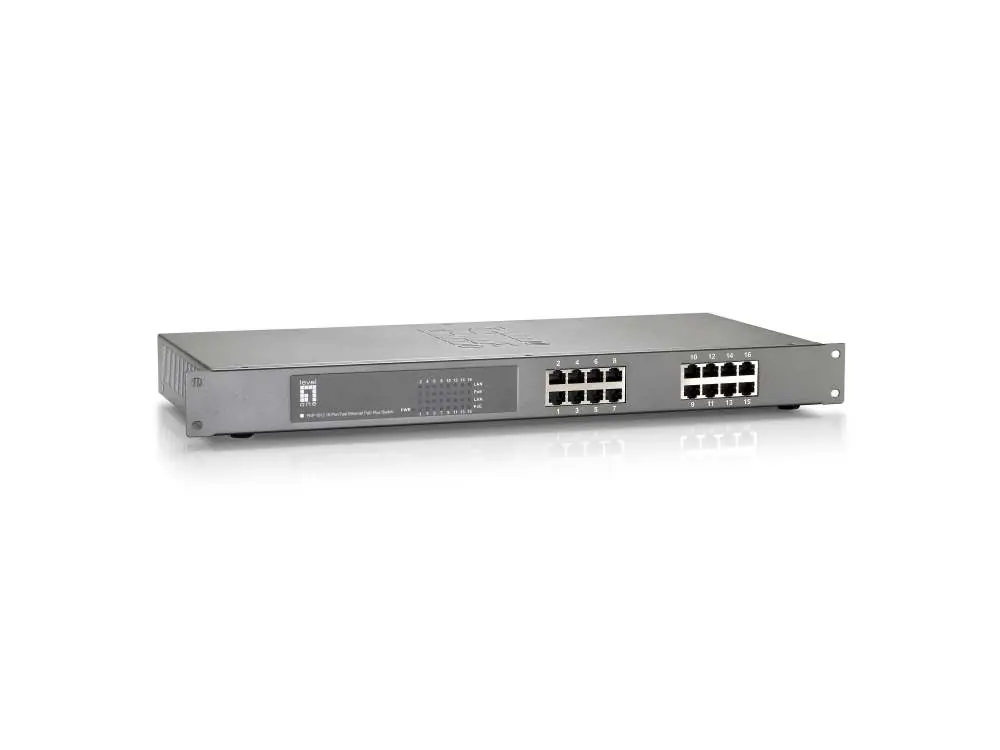
- Ports: 16 x 10/100Mbps Fast Ethernet ports.
- PoE Standards: IEEE 802.3at/af compliant.
- Housing: 19-inch metal rack-mount design.
- Features: Auto-MDI/MDIX detection, auto-negotiation, and IEEE 802.3x Flow Control.
- Indicators: Power, Active, 10/100M, and PoE status LEDs.
Installation and Setup
The switch is designed for simple deployment. Connect your network devices to the RJ45 ports. The switch automatically detects cabling types (straight-through or crossover) and PoE requirements for connected devices. Ensure the device is placed in a well-ventilated area suitable for rack mounting.
Technical Specifications
- Switching Capacity: 3.2Gbps.
- MAC Address Table: 4K entries with auto-learning and auto-aging.
- Operating Temperature: 0°C to 45°C.
- Operating Humidity: 10% to 90% (non-condensing).
- Dimensions: 480 x 200 x 44 mm.
- Weight: 2.85 kg.
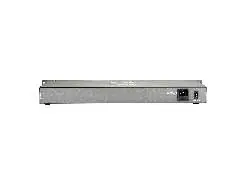
- Power Switch: Rear-mounted Power On/Off switch.
Practical help
Common problems
Device does not power on
Check the power cable connection and ensure the rear power switch is in the 'On' position.
No network connection on a port
Verify the Ethernet cable is securely connected and check the port status indicators on the front panel.
PoE device not receiving power
Ensure the connected device is IEEE 802.3af/at compliant and that the total power consumption of all connected devices does not exceed the 380W PoE budget.
Before use
- Ensure 19-inch rack space is available for mounting.
- Verify the power source matches the device requirements.
- Check that all Ethernet cables are RJ45 compliant.
- Confirm that connected devices are compatible with 802.3af/at PoE standards.
Specs in practice
- PoE Power Budget
- The total power (380W) available to be distributed among all connected PoE devices.
Images and diagrams
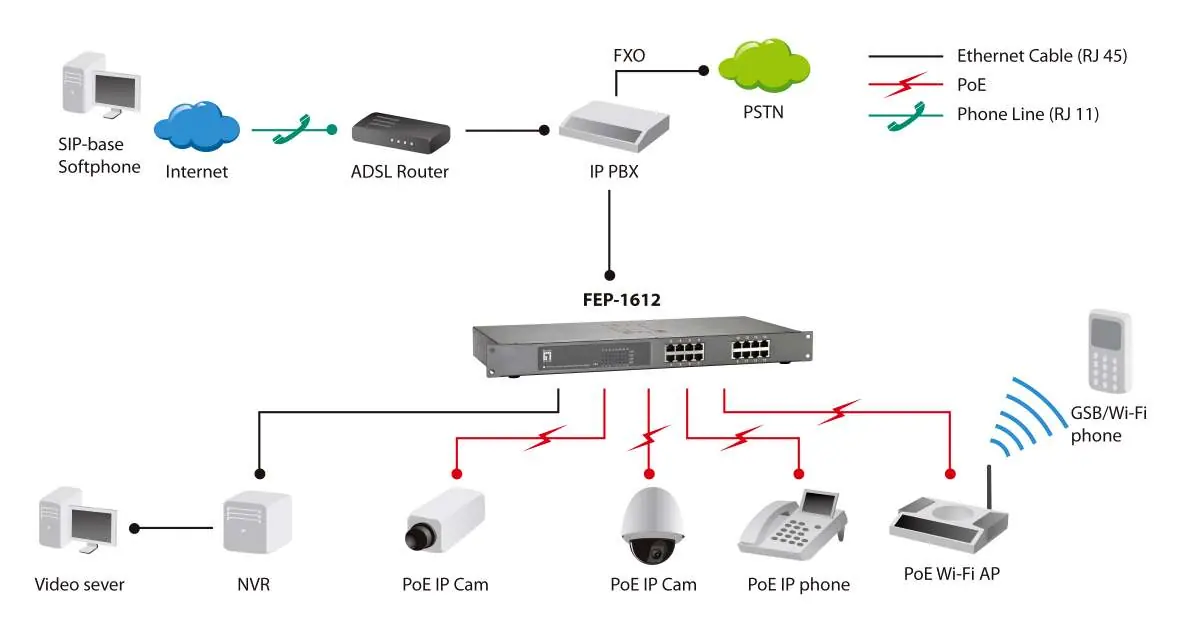
- The network diagram illustrates the switch connecting to an IP PBX, IP cameras, IP phones, and Wi-Fi access points, demonstrating its role as a central hub for PoE-powered devices.
Model compatibility
- Supports IEEE 802.3af/at PoE standards.
- This is an unmanaged switch (not manageable).

Manual page author
David Miller
Documentation analyst
Organizes user manual content into clear summaries, with attention to model details, product context, and everyday usability.