Smart Home / Smart Switches
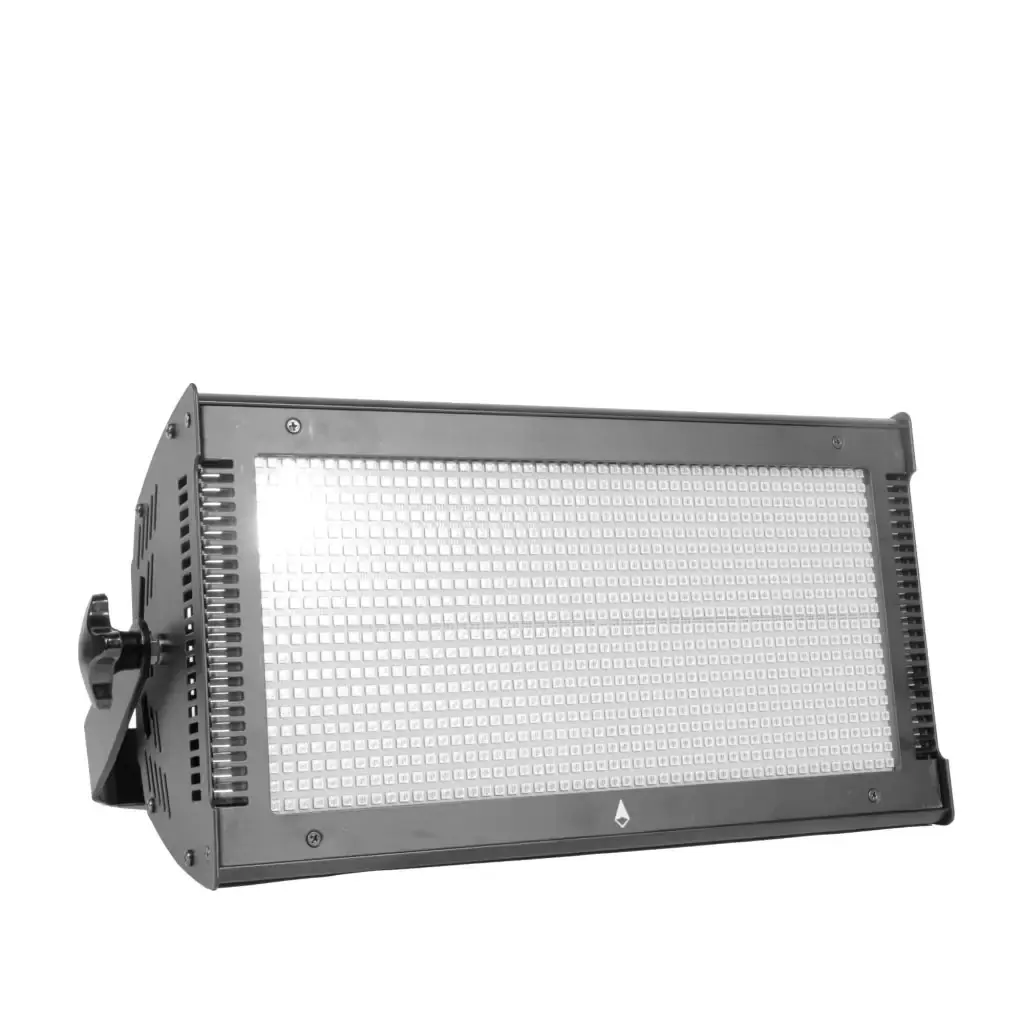
User Manual for NEO Stormer Lite RGB LED Strobe
Quick guide for the NEO Stormer Lite RGB LED 1000W Colouring Strobe. Learn how to configure DMX channels, set operating modes, and adjust lighting effects.
Table of contents
Quick guide from the manual
The NEO Stormer Lite is a high-power RGB LED strobe light designed for professional lighting applications. This manual covers the DMX channel configurations, operating modes, and system settings required for setup and operation.
DMX Channel Configuration
The device supports two DMX channel modes: 6-channel and 16-channel. These modes allow for precise control over dimming, strobe speed, individual color mixing (Red, Green, Blue), and built-in effects.
6-Channel Mode
- Channel 1: Dimmer (0-255)
- Channel 2: Strobe (0-255, includes random, fade, pulse effects)
- Channel 3: Strobe Speed
- Channel 4: Red Dimmer
- Channel 5: Green Dimmer
- Channel 6: Blue Dimmer
16-Channel Mode
Includes all 6-channel functions plus additional control over Color Mode, Color Gradient, Built-in effects, Effect speed, Effect gradient, individual effect color dimming, and background dimming.
Operating Modes and Settings
Access the menu to configure the following settings:
- Address: Set the DMX address from 001 to 512.
- Run Mod: Choose between Slave, Auto, or Sound-activated modes.
- ChanMod: Select between 6CH or 16CH DMX modes.
- Display: Configure backlight timeout and menu settings.
- Tool: Access advanced settings like Balance (WhiteSW, RGB calibration), DMX clear, and Default configuration.
Technical Parameters
- Voltage: AC110V-240V, 50-60Hz
- Power: 1000W
- Light Source: 3-in-1 high brightness LED5054 SMD (1000 PCS)
- Control Modes: DMX, Sound, Auto
- IP Rating: IP20 (Indoor use)
- Dimensions: 54 x 32 x 20.5 cm
- Weight: 9 kg
Practical help
Common problems
No light output
Check DMX address settings and ensure the unit is not in 'close' mode (Value 0-4 on the dimmer channel).
Colors not mixing correctly
Verify the Color Mode channel settings and ensure individual R, G, B dimmer channels are set correctly.
Unit not responding to DMX
Check if the unit is set to 'Slave' mode instead of DMX control in the Run Mod menu.
Before use
- Ensure power supply voltage is between AC110V-240V.
- Verify the DMX address is correctly set (001-512).
- Check the operating mode (Auto, Sound, or DMX).
- Ensure the unit is placed in a well-ventilated area (IP20 rating).
Model compatibility
- Indoor use only (IP20).
- Compatible with standard DMX512 controllers.

Manual page author
David Miller
Documentation analyst
Organizes user manual content into clear summaries, with attention to model details, product context, and everyday usability.