Health / Personal Care
AcuRite 00665E Digital Instant Read Thermometer Quick Setup Guide
Quick setup guide for the AcuRite 00665E digital thermometer, covering battery installation, temperature measurement procedures, and essential cleaning instructions.
Table of contents
Manual images
Jump to the sectionQuick guide from the manual
This document provides essential instructions for setting up and operating the AcuRite 00665E digital instant-read thermometer. It covers battery installation, proper probe usage for accurate temperature readings, and necessary care to maintain the device.
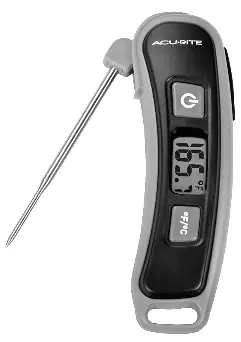
Battery installation
The device requires one (1) AAA standard alkaline battery. Heavy-duty or rechargeable batteries are not recommended. To install: locate the slot on the edge of the back cover, gently pry it open, insert the battery, and replace the cover.
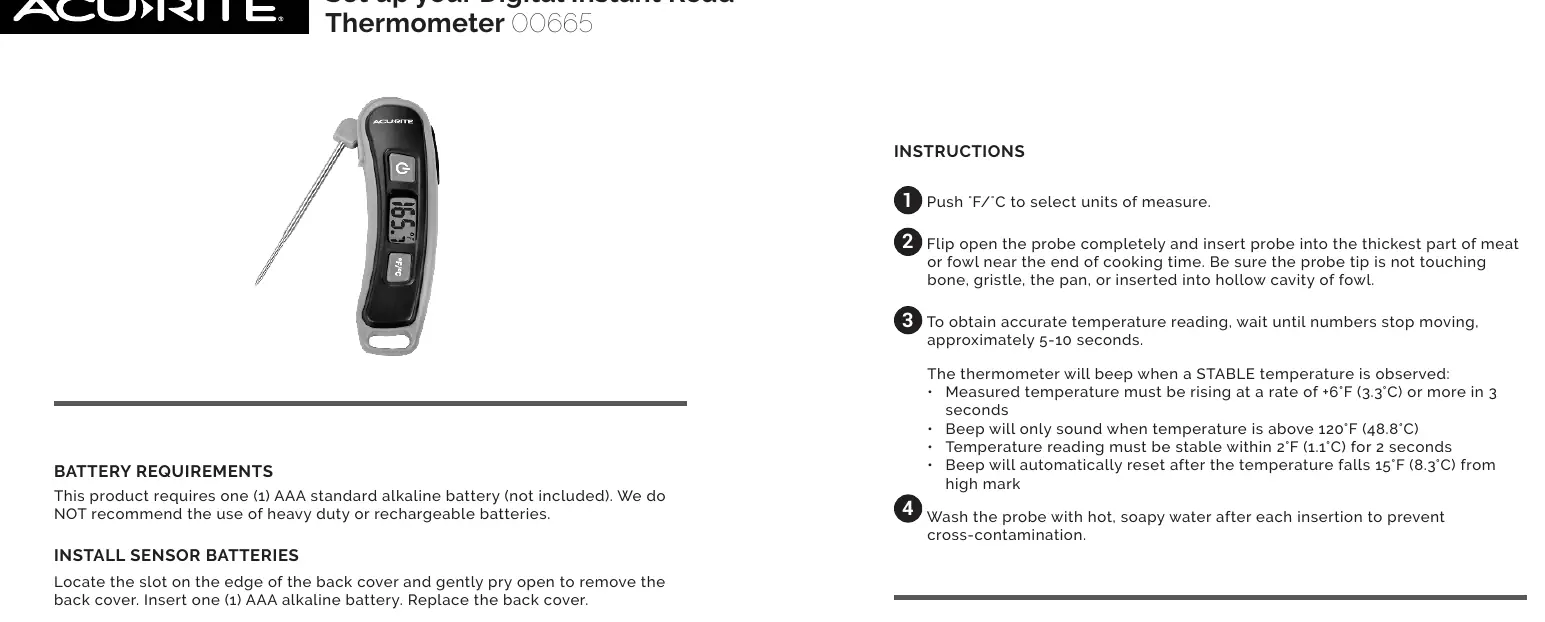
Operation
Follow these steps for accurate temperature measurement:
- Press the F/C button to select your preferred unit of measure.
- Flip the probe open completely.
- Insert the probe into the thickest part of the meat or fowl near the end of the cooking time. Ensure the tip does not touch bone, gristle, the pan, or hollow cavities.
- Wait for the numbers to stop moving (approximately 5-10 seconds) to obtain an accurate reading.
The thermometer will beep when a stable temperature is observed, provided the temperature is above 120°F (48.8°C). The device features an auto-off function that turns the unit off after one hour of inactivity.
Care and maintenance
Wash the probe with hot, soapy water after each use to prevent cross-contamination. The housing and display area are NOT waterproof. Do not submerge the unit in water or place it in a dishwasher. Wipe the housing and display area with a soft, damp cloth; use a very small amount of dishwashing soap if degreasing is necessary.
Manufacturer information
AcuRite
Practical help
Common problems
Thermometer does not beep
The beep only sounds when the temperature is above 120°F (48.8°C) and a stable temperature is detected.
Inaccurate readings
Ensure the probe is inserted into the thickest part of the meat and is not touching bone, gristle, or the pan.
Before use
- Purchase one (1) AAA standard alkaline battery.
- Ensure the probe is clean before first use.
- Select preferred units (F or C) using the button.
Specs in practice
- Stability criteria
- Temperature must rise at least 6°F (3.3°C) in 3 seconds and remain stable within 2°F (1.1°C) for 2 seconds to trigger the beep.
Model compatibility
- Not waterproof: Do not submerge or put in dishwasher.
- Battery type: Use only standard alkaline AAA batteries.

Manual page author
Emily Carter
User documentation editor
Prepares concise manual descriptions and highlights the most useful setup, operation, and maintenance information for readers.