Lighting / Fixtures
User Guide for GE Lighting 13239L Imagine Smart LED Downlight
Quick start guide for the GE Lighting 13239L Imagine Smart LED Downlight. Learn how to install, set up with the Google Home app, troubleshoot connectivity issues, and control your smart lighting.
Table of contents
Manual images
Click an image to enlargeQuick guide from the manual
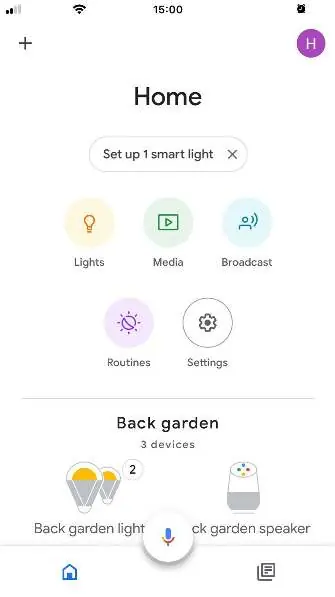
To set up your GE imagine smart light, ensure you have a Google Nest device (smart speaker) and the Google Home app installed on your smartphone. Plug in your smart speaker, turn on the light in the same room, and follow the prompts within the Google Home app to complete the configuration.
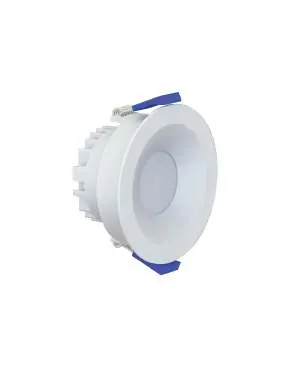
Installation requirements
Important: Installation must be performed by a licensed electrician. This device is designed for use in dry locations only. Do not use this smart downlight with any external dimmer switches, as it is not compatible.
App setup and control
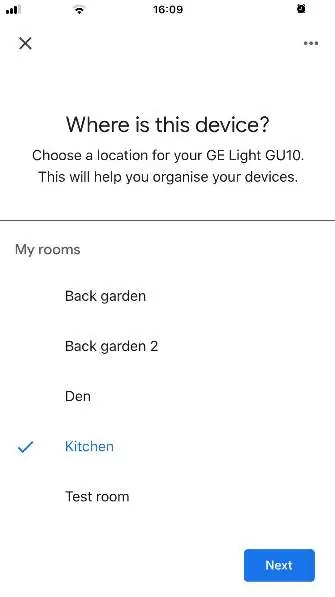
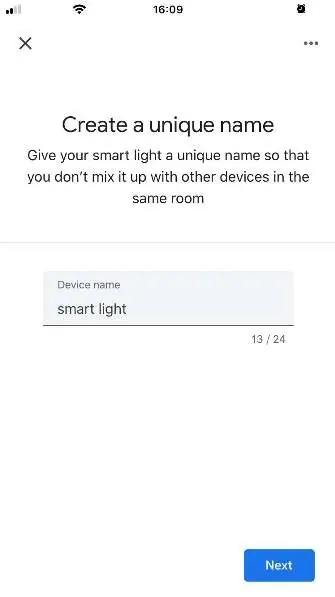
Once installed, the light will blink, indicating it is ready to be added to the Google Home app. Within the app, select the light to set up, choose a room, and assign a unique name to the device. After setup, you can control the light's power, brightness, and color directly through the app or via voice commands using Google Assistant. You can also set up routines to automate your lighting.
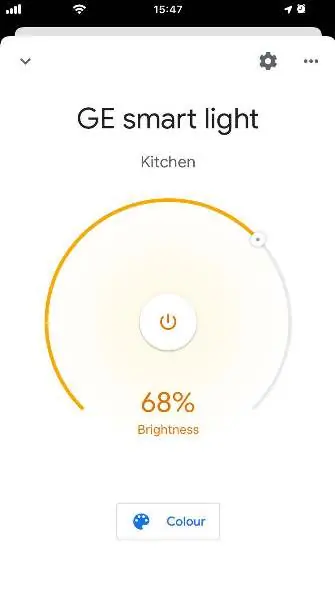
Troubleshooting
If the light does not blink after powering on, perform a factory reset: Turn the power switch On and Off 5 times, with 2-second intervals between each switch. The light should then start to blink.
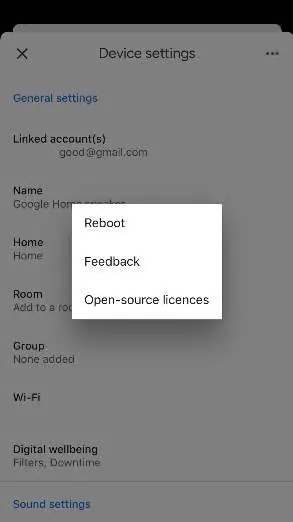
If the light is added successfully but cannot be controlled, try rebooting the Google Home device: Open the Google Home app, go to Device settings, tap the More icon (three dots) in the top right corner, and select Reboot.
Practical help
Common problems
Light does not blink after powering on
Perform a factory reset by turning the power switch On and Off 5 times, waiting 2 seconds between each switch.
Light added but cannot be controlled
Reboot the Google Home device via the app: Device settings > More > Reboot.
Before use
- Ensure you have a Google Nest device (smart speaker).
- Download the Google Home App.
- Verify installation is performed by a licensed electrician.
- Ensure the installation location is a dry area.
- Confirm no external dimmer switches are connected.
Specs in practice
- Compatibility
- Works with Google Home app and Google Assistant.
Images and diagrams
- The setup process involves plugging in the smart speaker, turning on the light, and following the Google Home app prompts.
- Factory reset requires a specific power cycling sequence.
Model compatibility
- Use in Dry Locations only.
- Not compatible with external dimmers.

Manual page author
Emily Carter
User documentation editor
Prepares concise manual descriptions and highlights the most useful setup, operation, and maintenance information for readers.