Electronics / Televisions
User Manual for Toshiba 1600XP/1600XPi Series UPS
Comprehensive installation and operation guide for the Toshiba 1600XP/1600XPi Series Uninterruptible Power System. Includes setup, wiring, touchscreen operation, maintenance, and troubleshooting.
Table of contents
Manual images
Click an image to enlargeImportant Information from the Manual
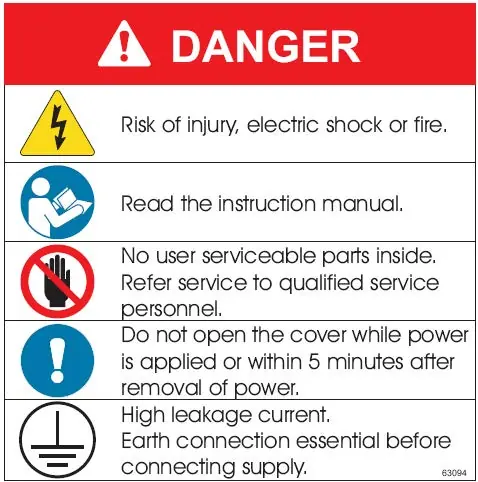
This manual provides installation and operation instructions for the Toshiba 1600XP/1600XPi Series UPS. Only qualified personnel should perform installation and maintenance. Always read the manual before operating the unit. The UPS is intended for permanent installation in a well-ventilated, stable environment.
Installation
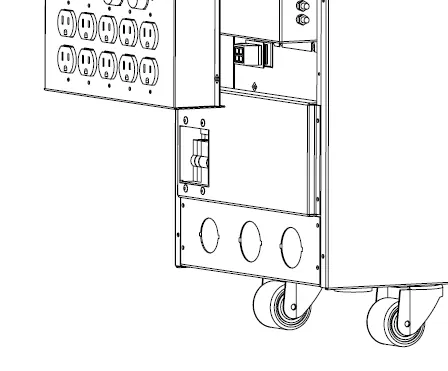
Install the unit in a well-ventilated area, allowing at least 4 inches (10 cm) on all sides for ventilation. Ensure the location is free of excessive vibration, dust, and moisture. Use separate metal conduits for input, output, and control circuits. Always ground the unit to reduce electrical noise and shock risk. The unit must be installed in a stable, level, and upright position.
UPS Connections
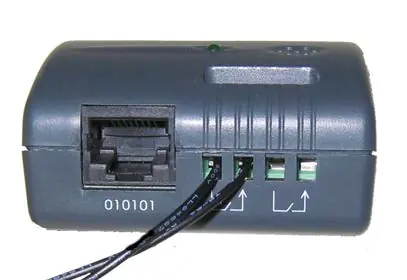
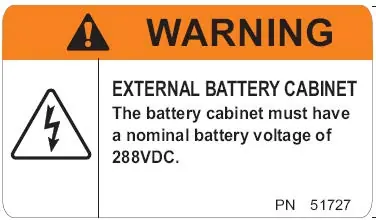
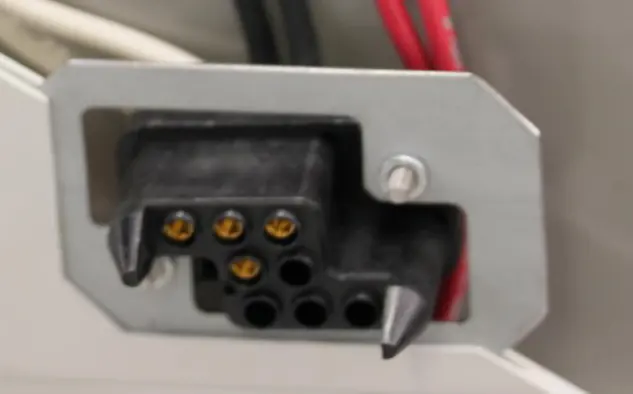
The terminal block is located on the rear of the unit. Ensure correct wire sizes and tightening torques are used as specified in the manual. Optional external battery cabinets connect via Anderson-style connectors. Ensure the input voltage jumper is correctly set for 208V or 240V operation.
Operating Modes
The UPS operates in several modes: Static-Bypass, On-Line, and Battery Backup. In the event of an overload or internal fault, the unit automatically switches to the bypass circuit. The EPO (Emergency Power Off) function allows for quick shutdown of the UPS.
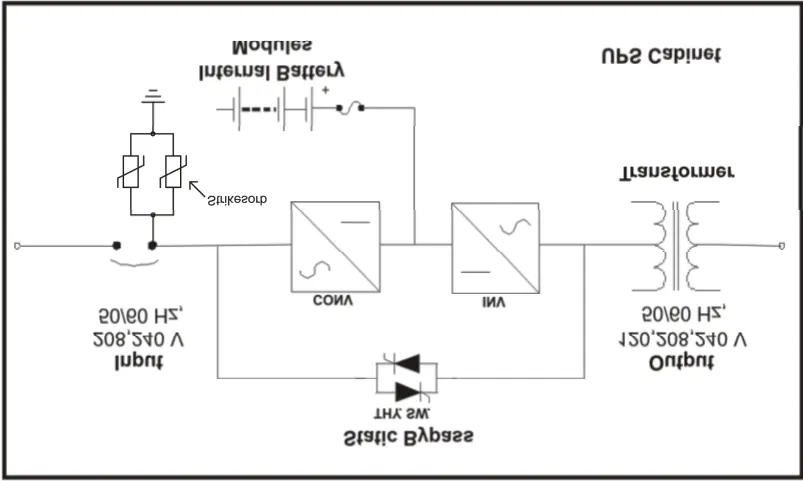
Touchscreen Operation
The front panel features an LCD touchscreen for monitoring and control. Use the Main tab to start (RUN) or stop (STOP) the UPS. The Monitor tab provides real-time data on input, output, and battery status. The Settings tab allows for parameter configuration, which may require administrator access.
Maintenance
Keep the area around air inlet vents clean. Battery packs are hot-swappable. Ensure replacement battery packs match the original part number. Only qualified Toshiba representatives should perform routine maintenance.
Troubleshooting
The UPS displays fault and warning messages on the touchscreen. If a fault occurs, the red LED will illuminate. Refer to the System Fault Messages table in the manual for specific codes and required actions.
Practical help
Common problems
UPS in Bypass mode
Check for internal fault or overload. If overloaded, reduce load.
Battery Test Failed
Check battery status and contact Toshiba service.
Input Frequency Error
Ensure input frequency is within 45-65 Hz range.
Before use
- Read the entire manual.
- Ensure installation site is well-ventilated.
- Verify input voltage and frequency.
- Charge batteries for 24 hours before first use.
- Ensure all covers are installed.
Images and diagrams
- Terminal block wiring for 208/240V input.
- Remote status shutdown timing diagram.
- Battery discharge process graph.
- Front panel layout and touchscreen menu tree.
Model compatibility
- Requires 90°C copper conductors for wiring.
- Optional external battery cabinets connect via Anderson-style connectors.
- Not intended for residential use.

Manual page author
David Miller
Documentation analyst
Organizes user manual content into clear summaries, with attention to model details, product context, and everyday usability.