HVAC / Parts & Accessories
Xylem MultiLab Ordering Guide for Multiparameter Laboratory Instruments
A comprehensive ordering and configuration guide for Xylem MultiLab multiparameter laboratory instruments. This document details the selection of meters, wireless and wired sensors, adapters, and necessary chemical solutions for your...
Table of contents
Manual images
Click an image to enlargeQuick Guide to Ordering
This document serves as an ordering guide to help you configure your Xylem MultiLab system. The process involves selecting a meter, choosing appropriate sensors (wireless or wired), adding necessary adapters, and ordering required solutions and accessories.
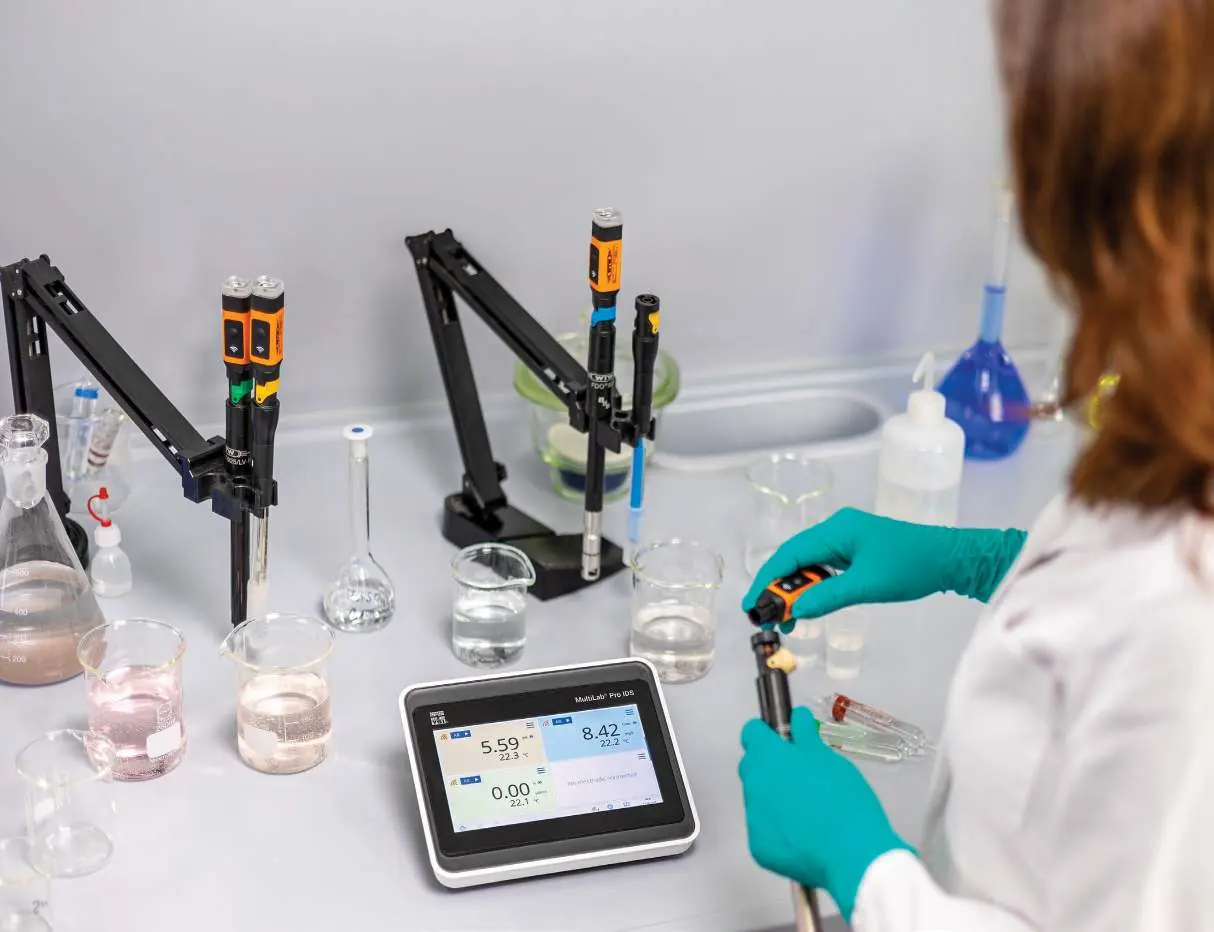
Step 1: Order MultiLab Meter
Select the benchtop instrument based on your channel requirements:
- 1FD350Y: MultiLab 4010-1W, one-channel benchtop instrument.
- 1FD760Y: MultiLab Pro 20 IDS, two-channel benchtop instrument with built-in OUR/SOUR software.
- 1FD780Y: MultiLab Pro 40 IDS, four-channel benchtop instrument with built-in OUR/SOUR software.
Each meter includes a power supply and electrode stand.
Step 2: Order Sensors
Sensors are available in two main categories:
- Smart Wireless Sensors: Requires a WA-Kit for the first sensor-to-instrument connection. For additional wireless sensors, only a WA-S module is required. Each wireless sensor includes a built-in temperature sensor.
- Smart Sensors with Cable: No additional adapters are needed for digital MultiLab sensors that have a cable. Each probe includes a built-in temperature sensor.
Step 3: Order Adapters and Modules
Wireless modules are necessary if using wireless sensors. One WA-M wireless meter module is needed for each instrument, and one WA-S wireless sensor module is needed for each wireless sensor. BNC adapters are available for connecting ISEs and analog pH probes to the MultiLab Pro 20 IDS and Pro 40 IDS.
Step 4: Order Solutions
Ensure you have the necessary calibration and maintenance solutions, including pH buffers, conductivity standards, and KCl solution for refillable pH electrodes.
Step 5: Additional Accessories
Cables are available in 1.5-meter and 3-meter lengths to connect wireless MultiLab sensors directly to the instrument.
Typical System Configurations
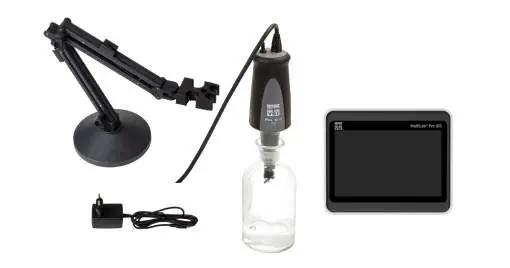
The guide provides examples of recommended setups for specific laboratory needs, such as BOD (Biochemical Oxygen Demand) testing or general multi-parameter lab environments, combining the appropriate meter, probes, and power cables.
Practical help
Common problems
Wireless sensor connection failure
Ensure a WA-Kit was purchased for the first sensor connection. For subsequent sensors, ensure a WA-S module is ordered for each.
Cannot connect analog/BNC electrode
BNC adapters (108133) are required and are only compatible with MultiLab Pro 20 IDS and Pro 40 IDS models.
Before use
- Determine the number of channels required (1, 2, or 4).
- Decide between wireless or wired sensor configurations.
- Verify if your application requires BNC-compatible electrodes.
- Ensure you have the correct calibration solutions (pH buffers or conductivity standards) for your specific probes.
Model compatibility
- BNC adapters are only compatible with MultiLab Pro 20 IDS and Pro 40 IDS.
- Wireless sensors require a WA-Kit for the first connection.
- Only one BNC adapter can be installed on an instrument.

Manual page author
Michael Turner
Technical manual editor
Reviews PDF manuals for structure, safety notes, and practical product details so readers can find the right information quickly.